Step 1: Start your order
Head to www.pizzahut.ca or open the Pizza Hut Canada app, then select Start Your Order to begin.
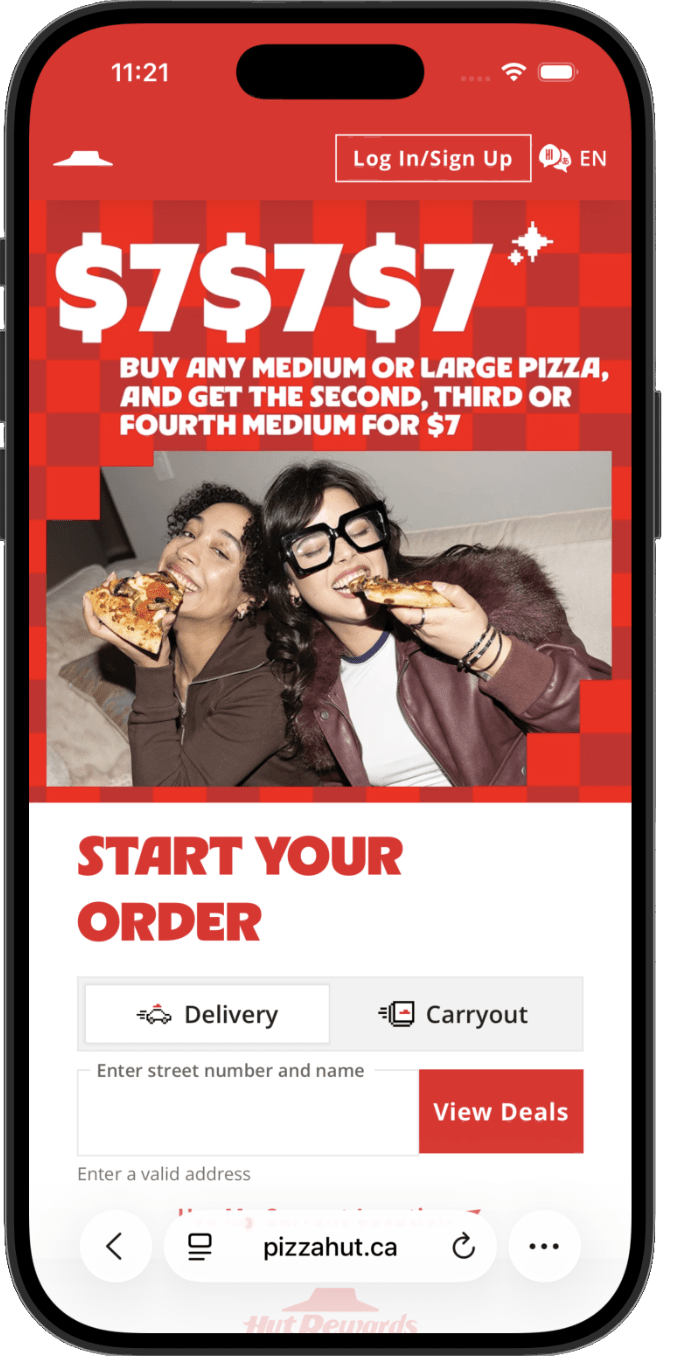
Head to www.pizzahut.ca or open the Pizza Hut Canada app, then select Start Your Order to begin.
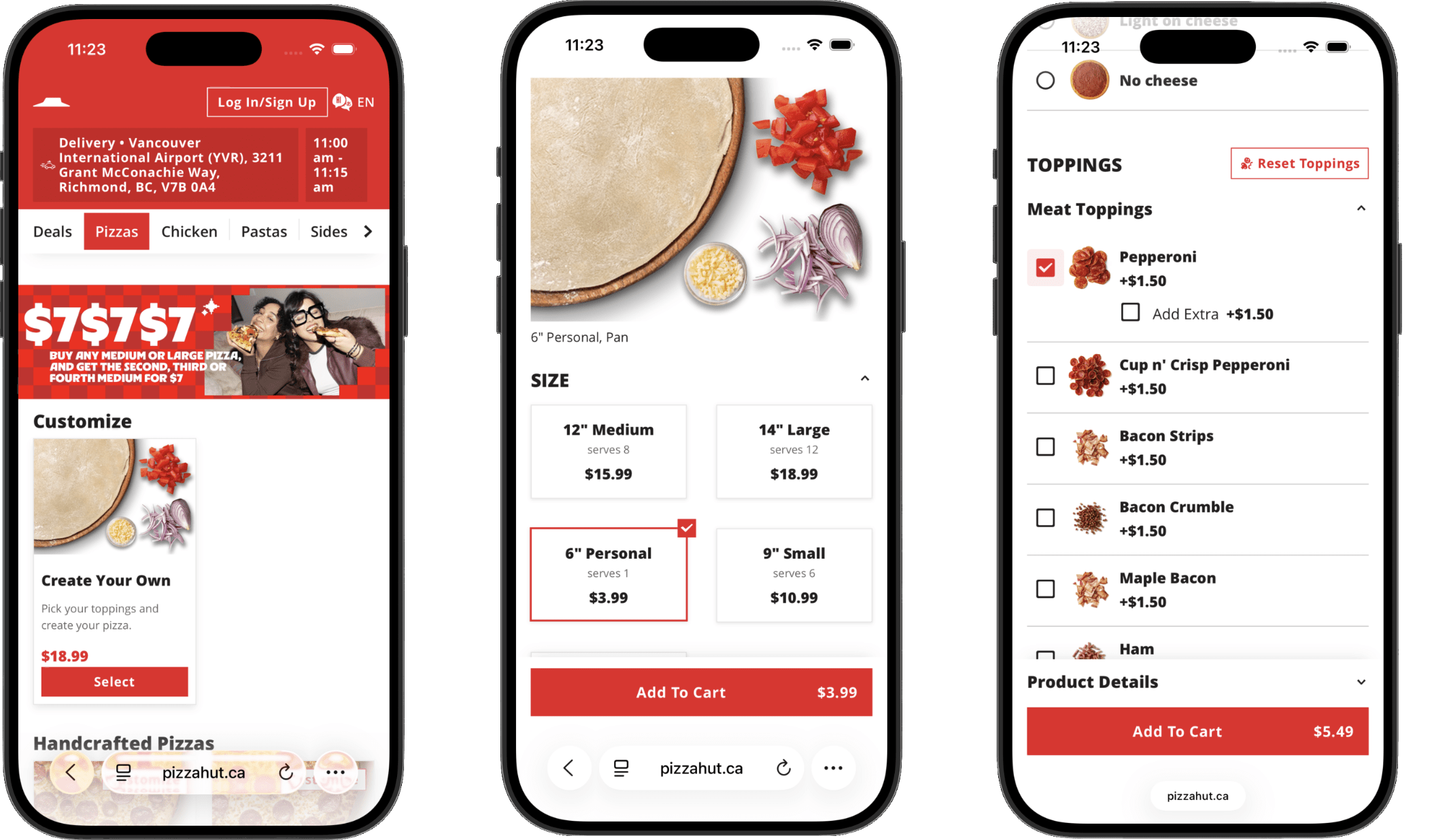
Go to the Pizza section and select Create Your Own.
Choose Personal Pan Pizza as the size and add 1 topping of your choice. Once you’re happy with your selection, select Add to Cart.
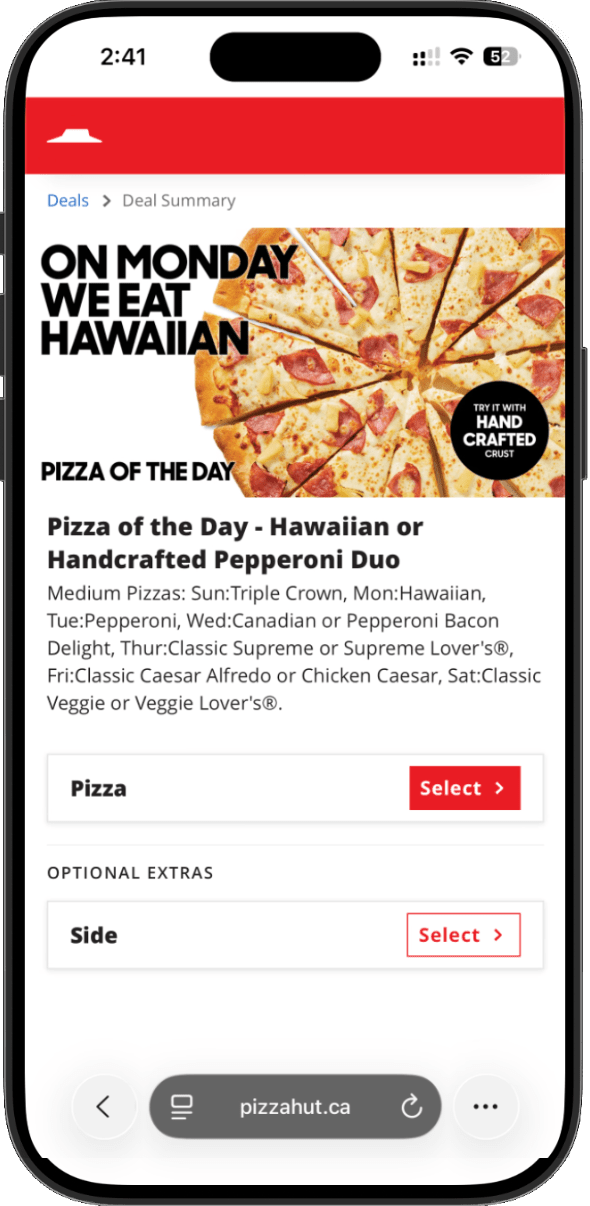
Browse the menu and add any other items you’d like to order.
Please note: Your BOOK IT! reward code only applies to a Create Your Own 1-Topping Personal Pan Pizza. Any additional items will be charged at the regular menu price.
Select Carryout or Delivery, then enter your pickup or delivery details to continue.
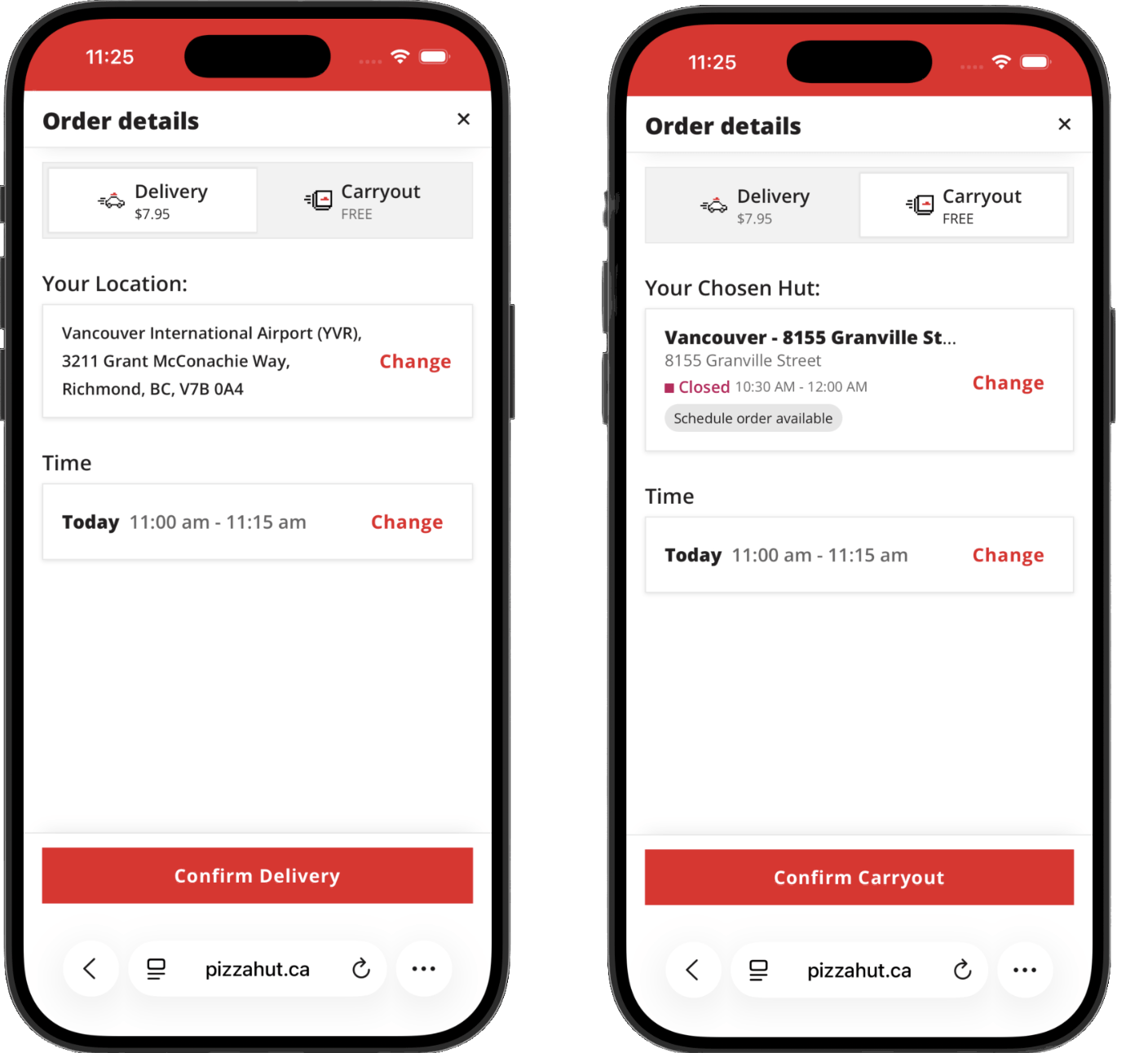
Open your cart and review the items you’ve added. Make sure your Create Your Own 1-Topping Personal Pan Pizza is included and that everything in your order looks correct.
When you’re ready, continue to checkout and look for the Coupon or Promo Code section. This is where you’ll apply your BOOK IT! reward code.
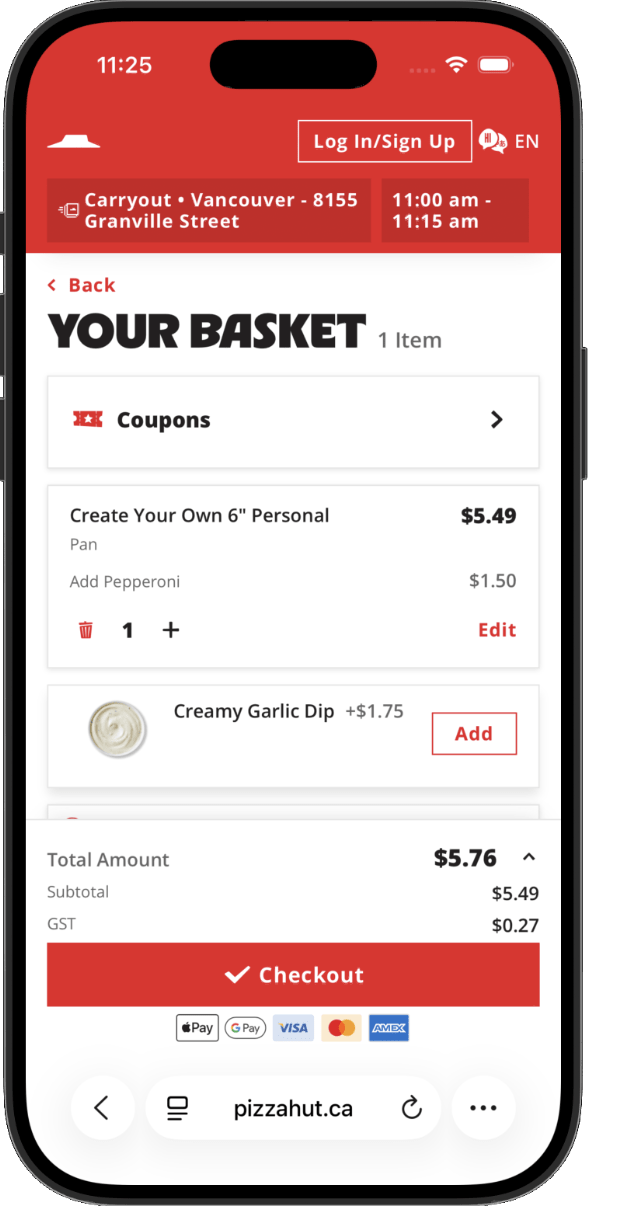
Enter your unique reward code exactly as it appears on your digital reward certificate, then select Apply Selected Coupons.
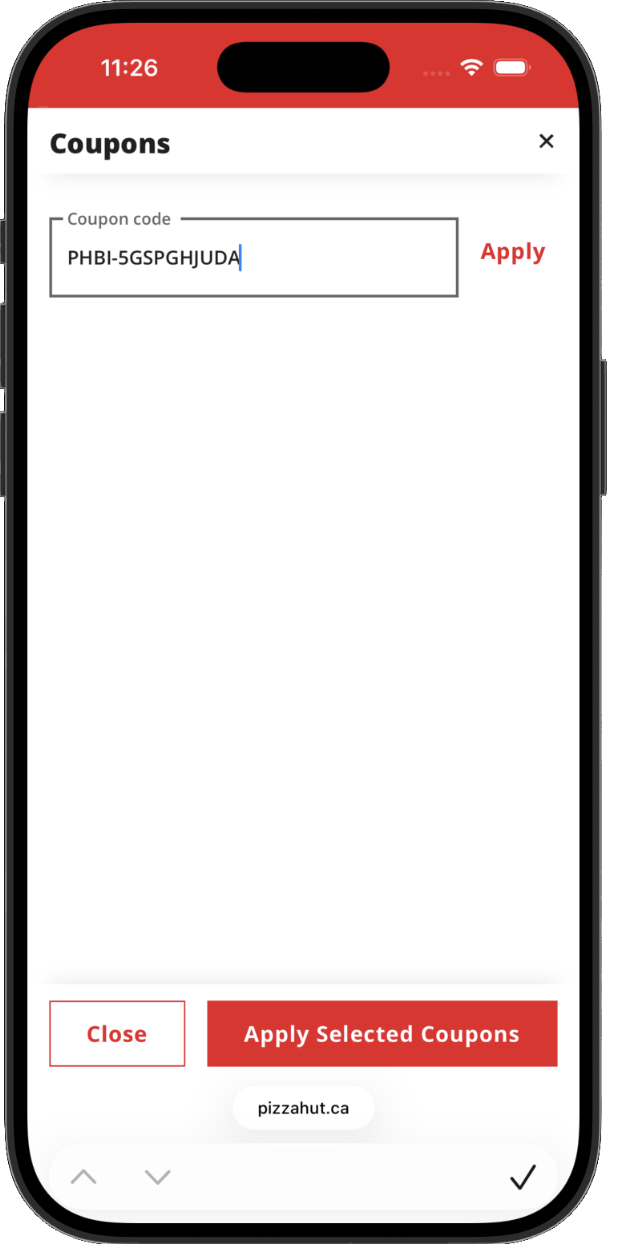
Once you select Apply Selected Coupons, the reward for your eligible Create Your Own 1-Topping Personal Pan Pizza will be deducted from your subtotal.
Review your updated order total, enter your payment details for any remaining balance, and complete your order.
Once your order has been placed, you’ll receive an order confirmation on screen and by email.
For more information, see the Contact Support page.